Planning
Storefront sign checklist: from lease to switch-on
A step-by-step storefront sign checklist: lease and landlord rules, city code, measuring, drawing approval, permits, installer, electrician and switch-on.
Updated
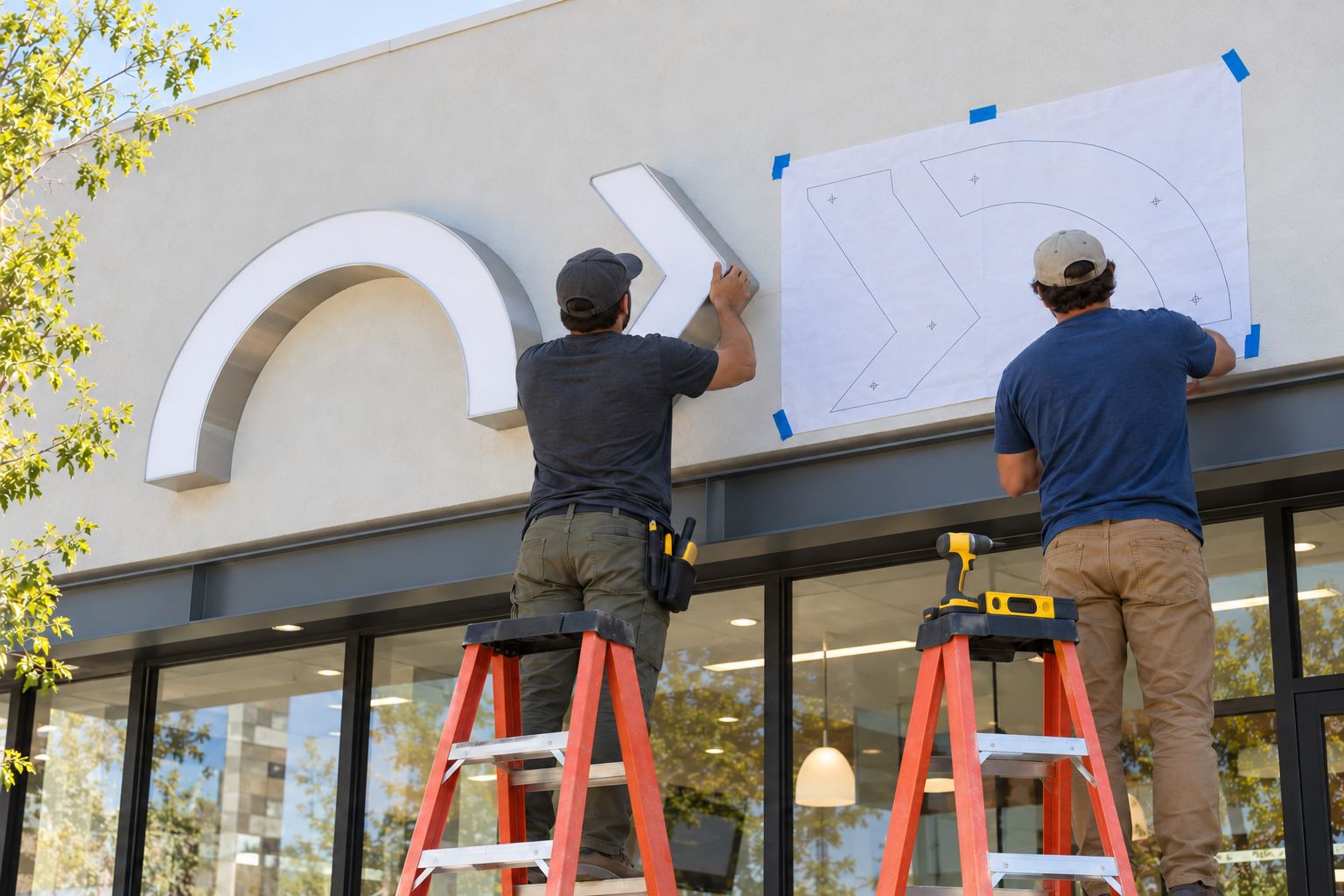
A storefront sign goes smoothly when the steps happen in the right order: check the lease and the landlord’s sign criteria, check the city’s sign rules, measure, get a drawing, get the landlord’s approval, file the permits, approve the build, then install, connect and switch on. Most delays come from doing the drawing before knowing the rules, or ordering before the landlord has signed off.
Use this checklist from the day you sign the lease.
Who does what
| Task | Who |
|---|---|
| Drawing, lit preview and exact price | Us, free |
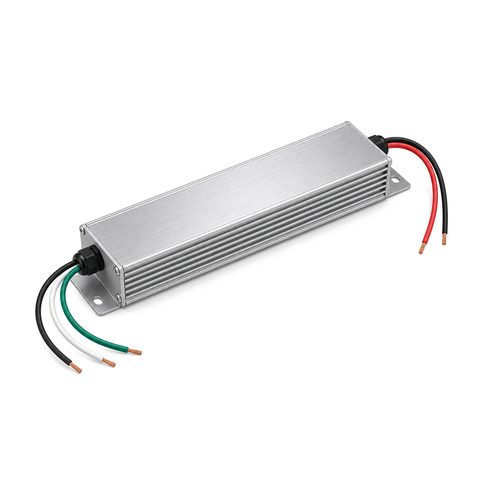
| Building the sign, mounting template, hardware, power supply | Us |
| Landlord approval | You |
| Sign permit | Your installer or you, depending on the city |
| Mounting the sign | A local sign installer |
| Electrical permit, circuit, disconnect and connection | A licensed electrician |
| Inspection, if your city requires one | Your installer or electrician schedules it |
Installation, permits and the electrician are not included in our price.
1. Read the lease and get the sign criteria
- Find the sign clause in your lease. It usually requires landlord approval for any sign.
- Ask for the center’s or building’s sign criteria in writing.
- Note the sign band, maximum letter height, maximum length, allowed lighting styles and colors, and whether a raceway is required.
- Ask whether there is existing power for a sign on the fascia.
2. Check the city’s sign rules
- Find your city’s sign code and the wall sign allowance for your zone.
- Check how the city measures sign area: how cities measure sign area.
- Ask whether your street is in a historic or design review district.
- If you want a projecting sign too, check the clearance and right-of-way rules in blade signs and projecting signs.
3. Measure the wall
- Measure the sign band, the storefront width and the height above the sidewalk.
- Mark obstacles and note the wall surface and the power location.
- Take straight-on photos with a tape measure in the shot.
How to measure your wall for a sign walks through each measurement.
4. Choose the style and size
- Pick the lighting style: front-lit, halo-lit, front-and-back lit, open-face with LED neon or non-lit. Front-lit vs halo-lit vs open-face compares them, and types of channel letters lists every style.
- Set the letter height from your viewing distance with the letter height calculator.
- Decide on the mounting: flush to the wall, or on a raceway if the landlord or the wall calls for it.
- Choose the light color and any controls: dimmer, timer, photocell.
- Get a range from the price estimator.
5. Get your free drawing
- Send your logo or text, the wall size and the photos through get a free drawing. What file to send explains the best files.
- Check the drawing against the landlord criteria and the city allowance.
- Mention any special requirement now, such as a flame-retardant face for a fire marshal.
- Comparing more than one supplier? Use questions to ask before you order a custom sign.
The drawing shows the sign at its real size on your wall, with a lit preview and an exact price.
6. Get the landlord’s approval
- Send the drawing to the landlord or property manager.
- Get written approval. Many cities want it with the permit application.
7. File the permits
- Choose an installer and ask whether they file the sign permit. Many cities only issue sign permits to registered sign contractors.
- File the sign permit with the drawing. Your approved drawing shows sizes and mounting, which most permit applications ask for.
- For a lit outdoor sign, have your electrician file the electrical permit.
Sign permits: what cities ask for lists the usual documents and review times.
8. Approve and pay
- Approve the drawing. Nothing is built until you do.
- Pay by card through the Stripe invoice or payment link; larger orders can pay by ACH bank transfer.
9. Prepare for installation
- Book the installer and the electrician, and tell each when the other is coming.
- Make sure the electrician knows where the power supply will go. The electrical code generally calls for a sign circuit and a disconnect switch within sight of the sign; sign electrical requirements explains what to ask.
- Clear access to the wall: parking, sidewalk space, and anything stored below the fascia.
10. When the sign arrives
- Open the boxes and check that every letter, the power supply, the template and the hardware are there.
- Look for shipping damage before the installer arrives, and photograph anything wrong.
- Keep all the parts together for the installer.
11. Install and connect
- The installer tapes the full-size paper template to the wall, checks it from the street, then marks and drills through it.
- The letters mount flush to the wall, or onto the raceway.
- The electrician connects the power supply and the disconnect.
- Schedule the inspection if your city requires one.
How to install channel letters has the installer’s side of the job.
12. Switch on and set it up
- Look at the sign from the street at dusk and after dark.
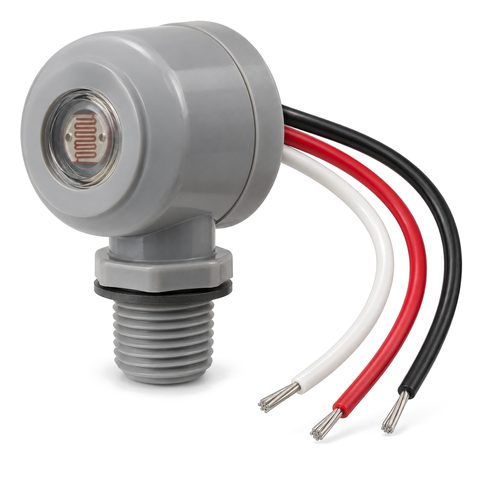
- Set the timer and photocell so the sign comes on at dusk and goes off when you want. A dusk-to-dawn photocell and a sign timer work well together; see photocells and sign timers.
- If you have a dimmer, set the brightness for night. Some cities limit sign brightness; how bright should a lit sign be explains.
- Keep the drawing and the paper template for future repairs or a move.
Common mistakes to avoid
- Designing the sign before reading the landlord criteria.
- Choosing a letter height that fits the wall but not the city’s area allowance.
- Forgetting the electrician until the sign arrives.
- Approving the build before the landlord has signed off.
- Drilling before taping up the template.
For examples of finished storefronts, see our storefront sign projects, or browse front-lit letters and our services.



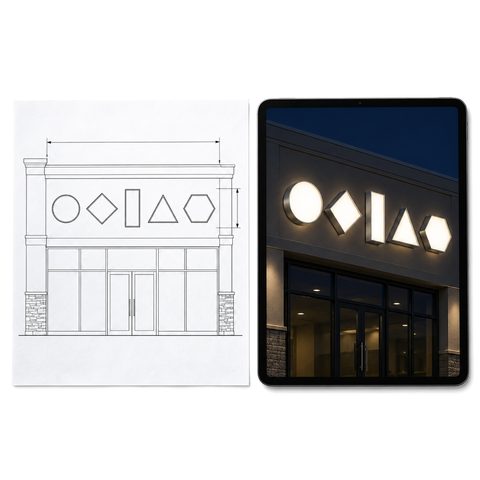 Free Sign Drawing and Lit Preview with Exact Price
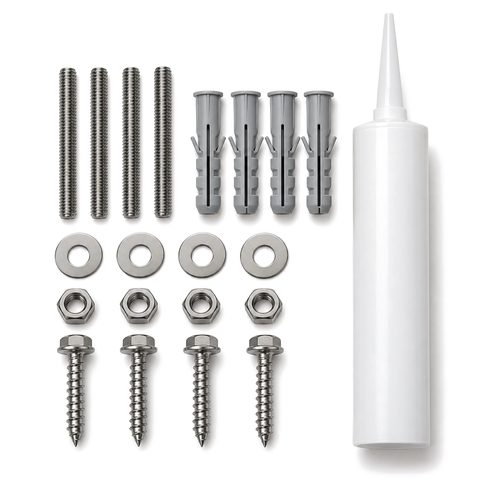 Channel Letter Mounting Hardware Kit
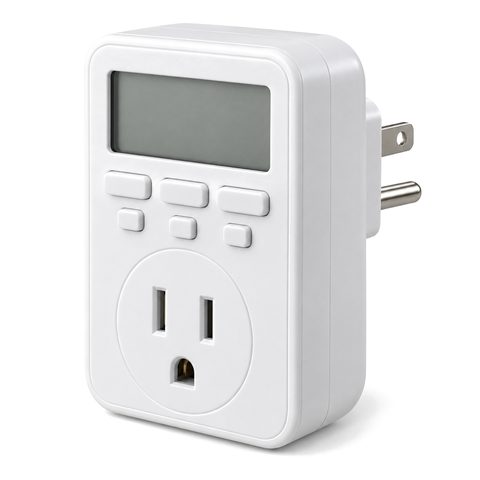 Digital 7-Day Timer for Lit Signs
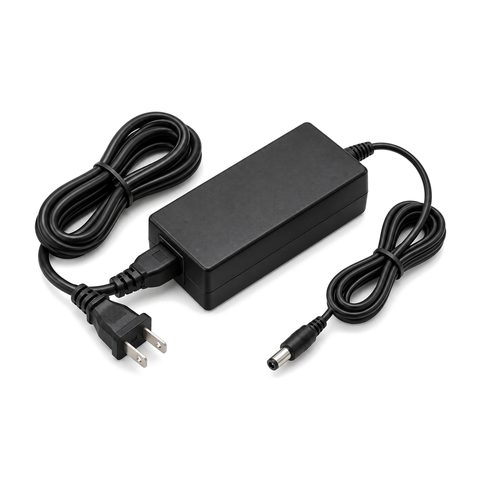 12V Plug-In Power Adapter for Indoor Lit Signs