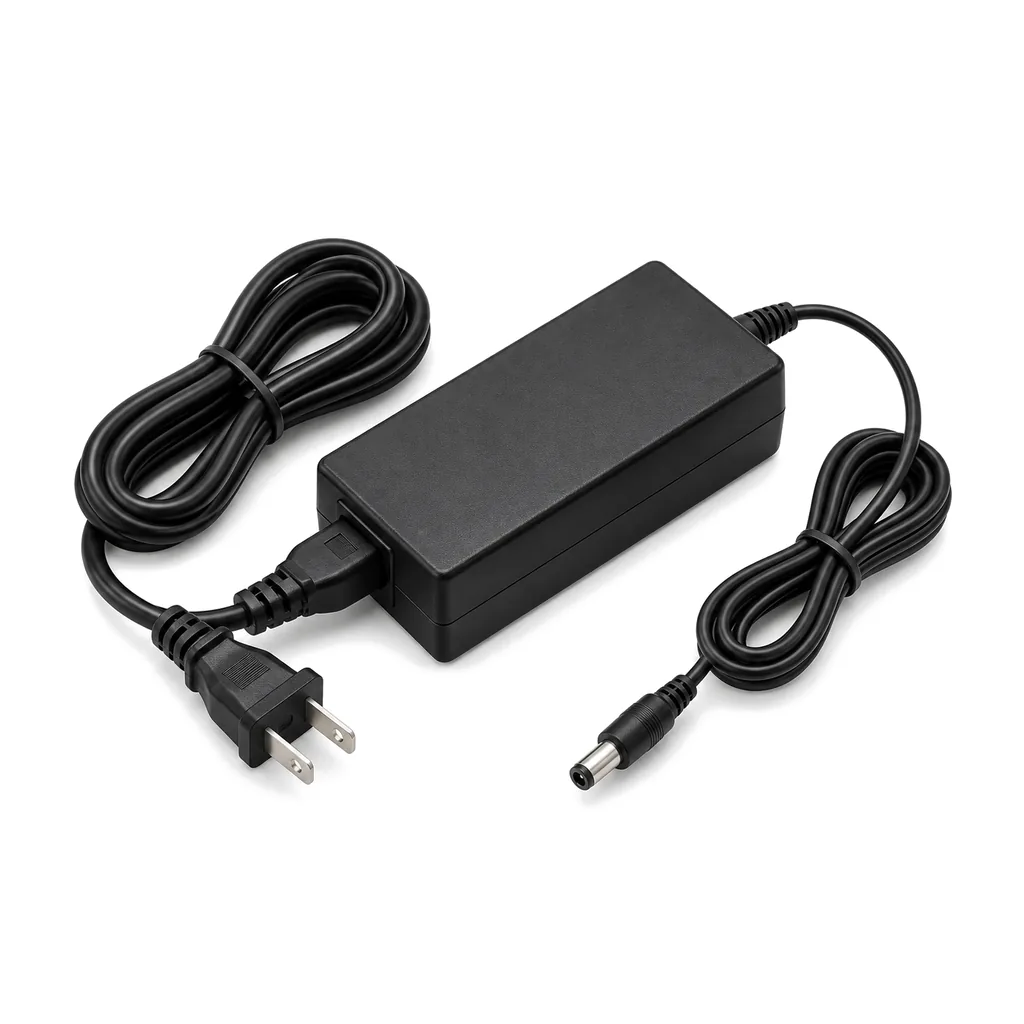
Photos illustrate the product type.
12V Plug-In Power Adapter for Indoor Lit Signs, UL Listed
UL-listed 12 V DC plug-in adapter (transformer) for indoor lit letters, logo signs and lightboxes: 100-240 V input, 5.5 x 2.1 mm plug, 24, 36 or 60 W.
Indoor lit signs plug into the wall through an adapter like this one. It is a desktop-style power brick with a US wall plug on one cord and a 12 V DC output cord on the other. It powers indoor channel letters, halo-lit logos, desktop letters and small lightboxes, and it is UL listed. It is also called an AC/DC adapter, a 12 V wall adapter, a power brick or a plug-in transformer.
Choose the size by the watts your sign uses:
- 24 W (2 A)
- 36 W (3 A)
- 60 W (5 A)
Pick an adapter with at least 20 percent more watts than the sign uses. An adapter that runs below its limit stays cooler and lasts longer. If the sign's label gives amps instead of watts, multiply the amps by 12 to get watts.
The output plug is a round 5.5 x 2.1 mm barrel. If your sign has a different connector, or bare wires, ask us for an adapter lead when you order. Before you plug in a sign from another maker, check that its old adapter also said 12 V DC and compare the polarity symbol on its label; send us a photo of the label if you are not sure.
The input accepts 100 to 240 V AC, so it works on any standard US outlet. It is for indoor use only: keep it dry and out of direct contact with water, and leave some air around it rather than burying it in insulation or a closed box.
You can add controls between the adapter and the sign. Our inline dimmer with a remote lowers the brightness for small rooms at night, and the Wi-Fi smart switch turns the sign on and off from a phone app or on a schedule. To switch the adapter itself on a schedule, plug it into the plug-in timer.
If an indoor sign uses more than about 50 W, one 60 W adapter no longer leaves the 20 percent margin. A larger indoor sign needs a hard-wired supply installed by an electrician, or its letters split across two adapters when the sign is wired in separate sections.
For outdoor signs, use the hard-wired outdoor power supply instead, connected by a licensed electrician.
How to choose
Find the watts first. Look at the label on the sign or on its old adapter. If it lists amps, multiply by 12. Then add 20 percent and pick the next size up.
Examples: a sign that draws 1.5 A uses 18 W; plus 20 percent is about 22 W, so the 24 W adapter fits. A 2.5 A sign uses 30 W and needs the 36 W adapter. A 4 A sign uses 48 W; plus 20 percent is about 58 W, so take the 60 W adapter.
Next, check the plug. Our output is a 5.5 x 2.1 mm barrel. If your sign's socket is a different size or the sign has bare leads, ask for an adapter lead. If the sign uses more than about 50 W, or the label says anything other than 12 V DC, send us a photo before you order.
Questions
Which adapter size do I need?
Take the watts your sign uses (or amps times 12) and add at least 20 percent. Then choose the next size up: 24 W, 36 W or 60 W.
Will it work with a sign from another maker?
It will if the sign runs on 12 V DC, its load fits the adapter, and the plug and polarity match. Compare with the label on the old adapter, or send us a photo of it.
My sign's plug does not fit. What now?
Our output plug is a 5.5 x 2.1 mm barrel. Ask for an adapter lead when you order and tell us what connector or wires your sign has.
Can I use it outdoors?
No. It is for indoor use only. Outdoor signs need a weatherproof, hard-wired outdoor power supply connected by a licensed electrician.
Can I add a dimmer or a smart switch?
Yes. Our inline dimmer and Wi-Fi smart switch go between the adapter and the sign on the 12 V side. Do not plug the adapter into a regular wall dimmer.
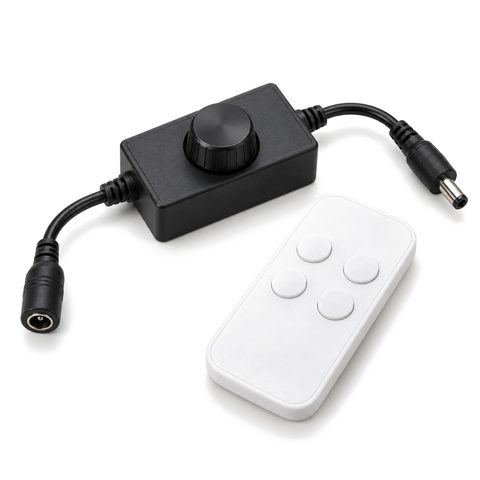 12V LED Sign Dimmer with Wireless Remote
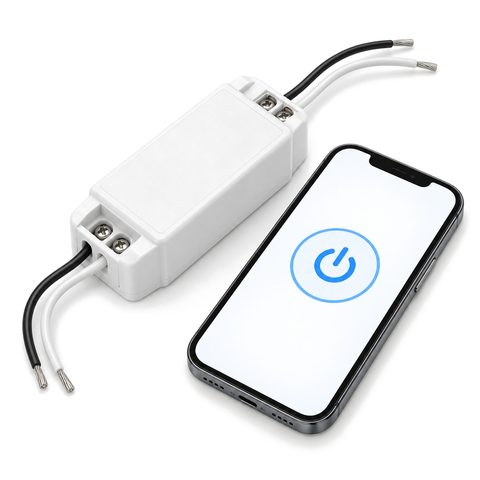 Wi-Fi Smart Switch for 12V Signs
My sign needs more than 60 W. What then?
With the 20 percent margin, more than about 50 W of LEDs is too much for one 60 W adapter. Use a hard-wired supply installed by an electrician, or split the sign across two adapters if it is wired in sections.
Can I put the sign on a schedule?
Yes. Plug the adapter into our plug-in 7-day timer to switch the sign at set hours, or put the Wi-Fi smart switch on the 12 V side for app schedules.
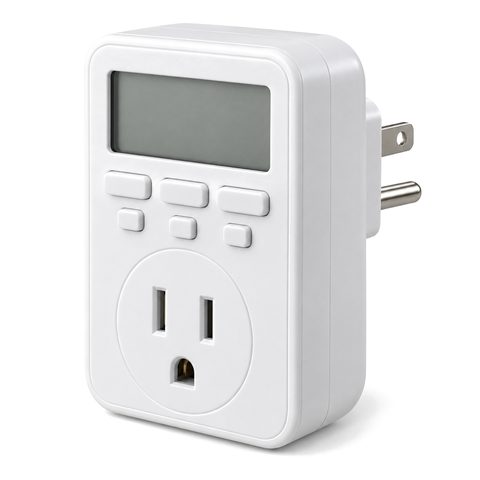 Digital 7-Day Timer for Lit Signs
How do I check the polarity?
Look for the small symbol on the old adapter's label that shows whether the center of the plug is positive or negative, and compare it with ours. Reversed polarity can keep LEDs dark or damage them, so send us both labels if they differ.
You may also need
-
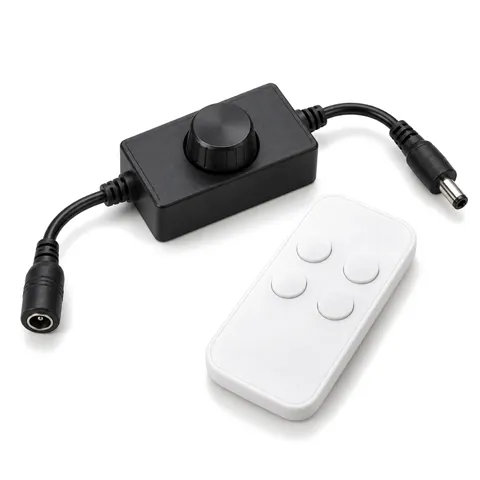
12V LED Sign Dimmer with Wireless Remote, Inline PWM
Inline PWM dimmer with a wireless RF remote for single-color 12 V LED signs and halo letters; it fits between the power supply and the sign.
$14.99
-
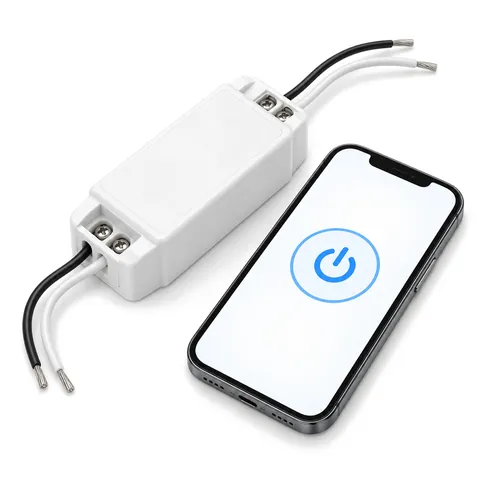
Wi-Fi Smart Switch for 12V Signs, App Schedules and Voice
Inline Wi-Fi switch for the 12 V side of a lit sign: turn it on and off and set schedules from a phone app or with common voice assistants.
$16.99
-
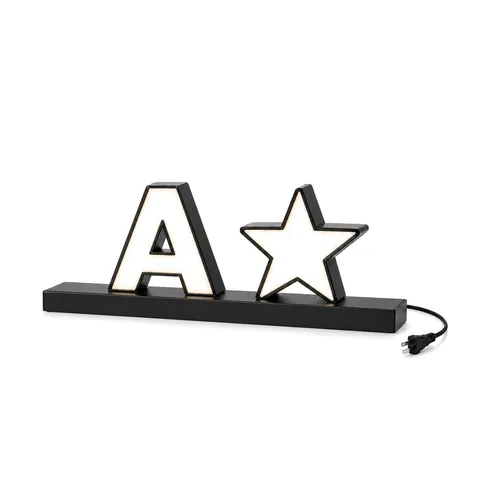
Desktop Light-Up Letters, Small Tabletop Channel Letter Sign
Small lit channel letters on a slim metal base for a reception desk, counter, shelf or trade show table. 304 stainless returns, plug-in 12 V power.
Est. from $360