Install and care
Channel letters not lighting? A troubleshooting guide
Whole sign dark, one letter out, part of a letter dark, flicker or dim spots: what each symptom usually means and what to check first, breaker to LEDs.
Updated
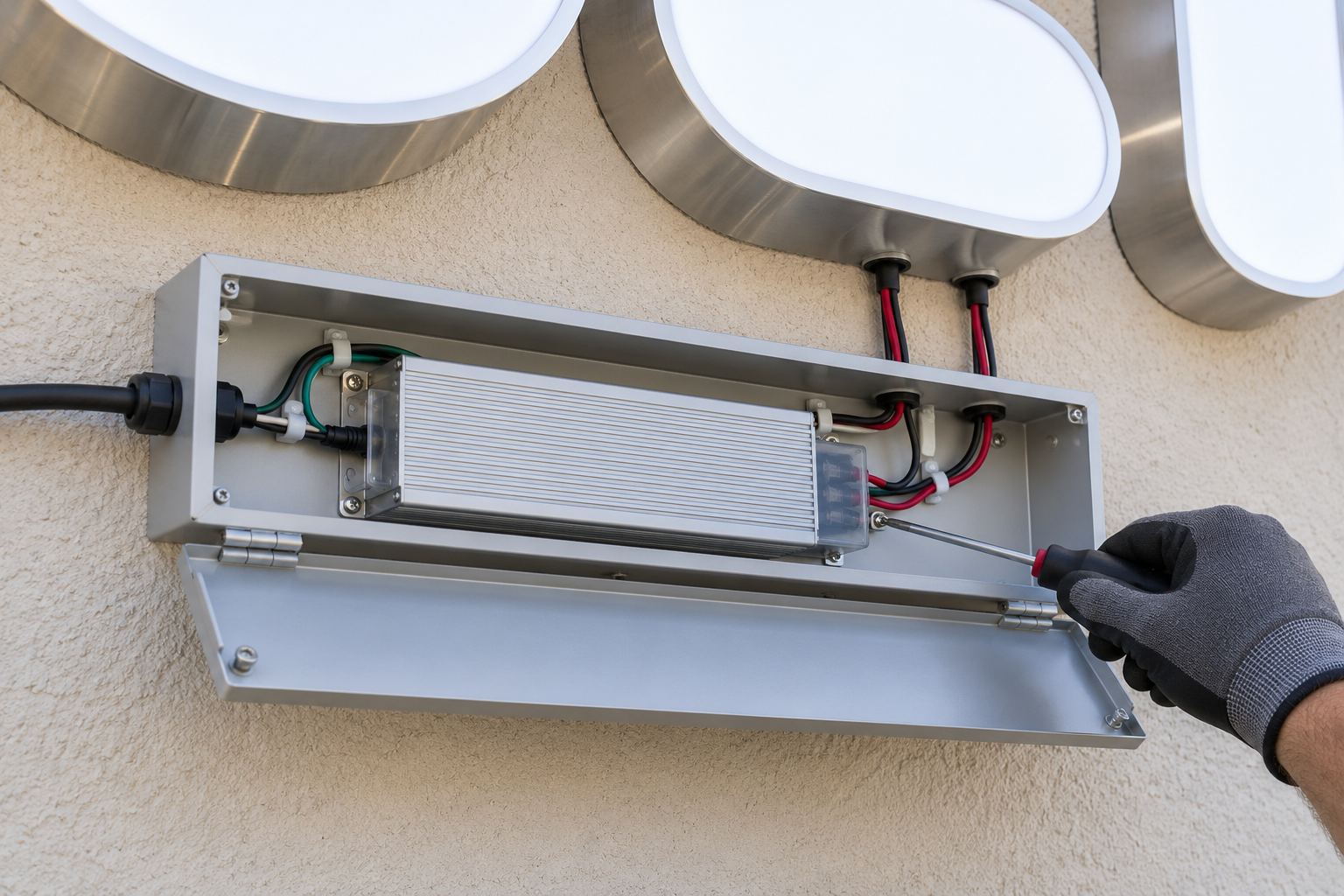
Match the symptom first. If the whole sign is dark, check the breaker, switch, timer and photocell, then the power supply. If one letter is out, check that letter’s lead wire and splices. If part of a letter is dark, look at the connection between the last module that lights and the first one that does not. If the sign flickers or blinks, suspect an overloaded or failing power supply or a loose connection.
Safety first
- Turn the sign off at the breaker before opening any letter, raceway or power supply box. If the sign plugs in, unplug it.
- The line-voltage side, meaning the building circuit, the disconnect switch and the input of a hard-wired power supply, is for a licensed electrician.
- The 12 V side, meaning the LED modules, the low-voltage wire and the splices, is what owners can check and fix.
- Use a ladder or lift safely, and work in pairs on large letters.
Symptom chart
| What you see | Most likely cause | Check first |
|---|---|---|
| Whole sign dark | Breaker, switch, timer or photocell; failed power supply | Breaker, controls, then power supply output |
| One letter dark | Loose or corroded lead wire or splice; that letter’s power supply | Splices between the letter and the supply |
| Part of a letter dark from one point on | Bad connection or reversed wires at that point | Joint between the last lit and first dark module |
| One module dark | Failed module | Replace the module |
| Flicker or blinking on and off | Overloaded or failing power supply; loose connection; water | Load on the supply, connections, drain holes |
| Dim at the far end, or dim overall | Low voltage from a long or thin lead, an overloaded supply, aging supply | Lead length and size, supply load |
| On in daytime or off at night | Photocell shaded or dirty; timer wrong | Photocell position, timer setting |
| One patch a different color | A replacement module from a different batch or color | Module color temperature |
Whole sign dark
- Breaker and switch. Check the breaker that feeds the sign and the disconnect switch near it. If the breaker trips again right away, there is a fault on the line-voltage side for an electrician to find.
- Timer. After a power cut, check that the timer still shows the right time and program. Reset it, or switch it to on to test. See photocells and timers.
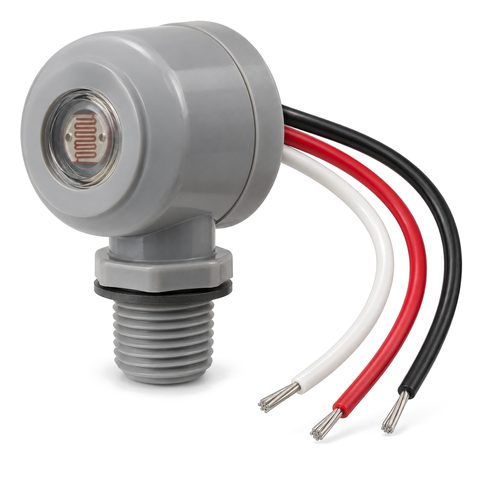
- Photocell. In daylight the sign should be off. Cover the sensor completely with electrical tape or a cloth and wait a few minutes; the sign should come on. If it does not, the photocell or its wiring is the problem. Remove the tape afterward.
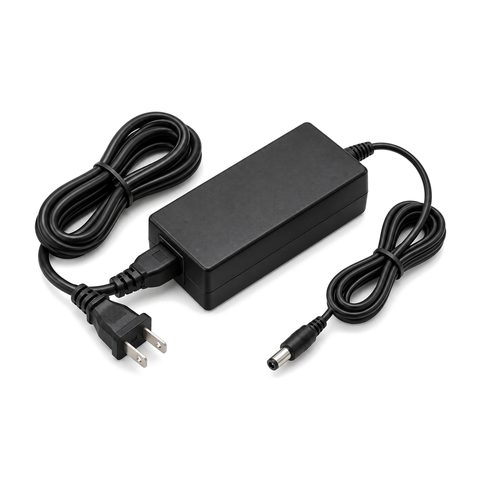
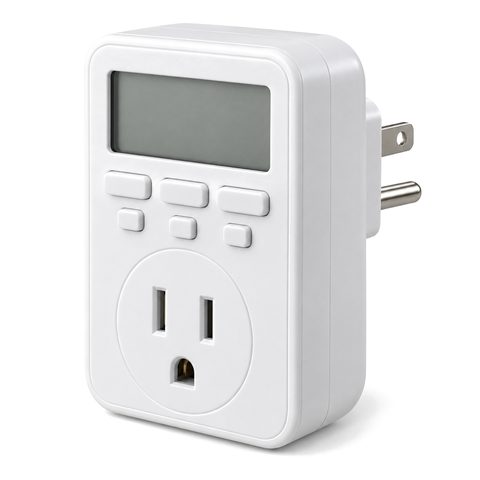
- Plug-in signs. Check the outlet with a lamp, and check whether a GFCI outlet nearby has tripped. Then check the adapter’s output.
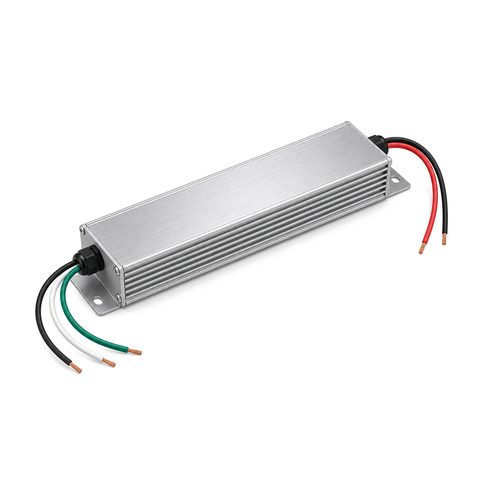
- Power supply output. With the power on, set a multimeter to DC volts and measure across the supply’s output leads, red to red and black to black. A healthy 12 V supply reads close to 12 V, typically within about half a volt. No output means either no power is reaching the supply or the supply has failed. Measuring the input side is the electrician’s job.
Power supplies are the part of an LED sign that wears out most often, more often than the LEDs. A hard-wired outdoor LED sign power supply is replaced by an electrician; an indoor sign may just need a new plug-in sign power adapter.
One letter dark
- If the letters share a power supply and the others are lit, the supply is working. The fault is between the supply and that letter.
- Find where the letter’s lead wire meets the supply wiring, behind the wall, in the raceway or in a junction box. Look for a loose, burnt or green, corroded connection.
- Check that the connection is positive to positive and negative to negative.
- If the letter has its own supply, measure that supply’s output as above.
- If the lead and supply are fine, open the letter and check the first connection inside it.
Part of a letter dark
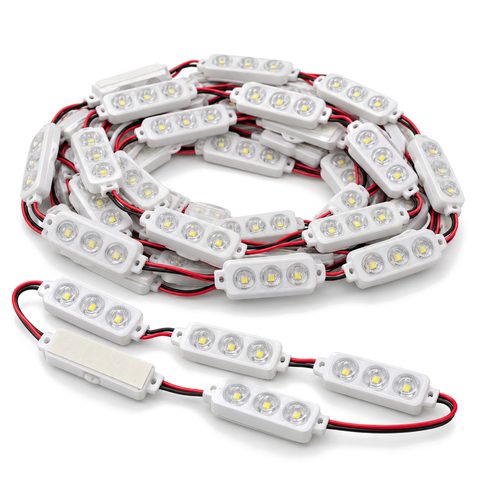
When the modules light up to a point and stop, the problem is usually the connection between the last lit module and the first dark one: a loose splice, a broken wire, or wires reversed. Fix or remake that joint. If only one module in the middle is dark and the rest work, that module failed; see how to replace LED modules.
Flicker, blinking and dim spots
- Blinking off and on every few seconds or minutes. Many LED power supplies have overload and short-circuit protection. When overloaded, they overheat, shut down and restart; with a short on the output, they shut down and keep trying to restart. Check that the load is within the supply’s rating, and look for pinched wires or bare wire touching metal.
- Flicker that comes and goes with weather. Look for water: blocked drain holes, a failed seal at a wire hole, or a cracked face. Water in a letter corrodes connections.
- Dim at the far end of a run. Voltage drops along a long or thin lead wire, and LEDs dim in proportion. Shorten the lead, use heavier low-voltage LED wire, or split the load.
- Whole sign slowly dimmer. An aging power supply, or LEDs near the end of their rated life. See how long LED channel letters last.
When to call for help
Call a licensed electrician for anything on the line-voltage side, a breaker that keeps tripping, or a supply with no input power. For help with an existing sign, start with our sign repair page; replacement parts are in repair parts.
 Front-Lit Channel Letters