Install and care
How to replace LED modules in channel letters
Find the dead LED module, open the letter, splice in a matching 12 V module red to red and black to black, seal the joints and test before closing.
Updated
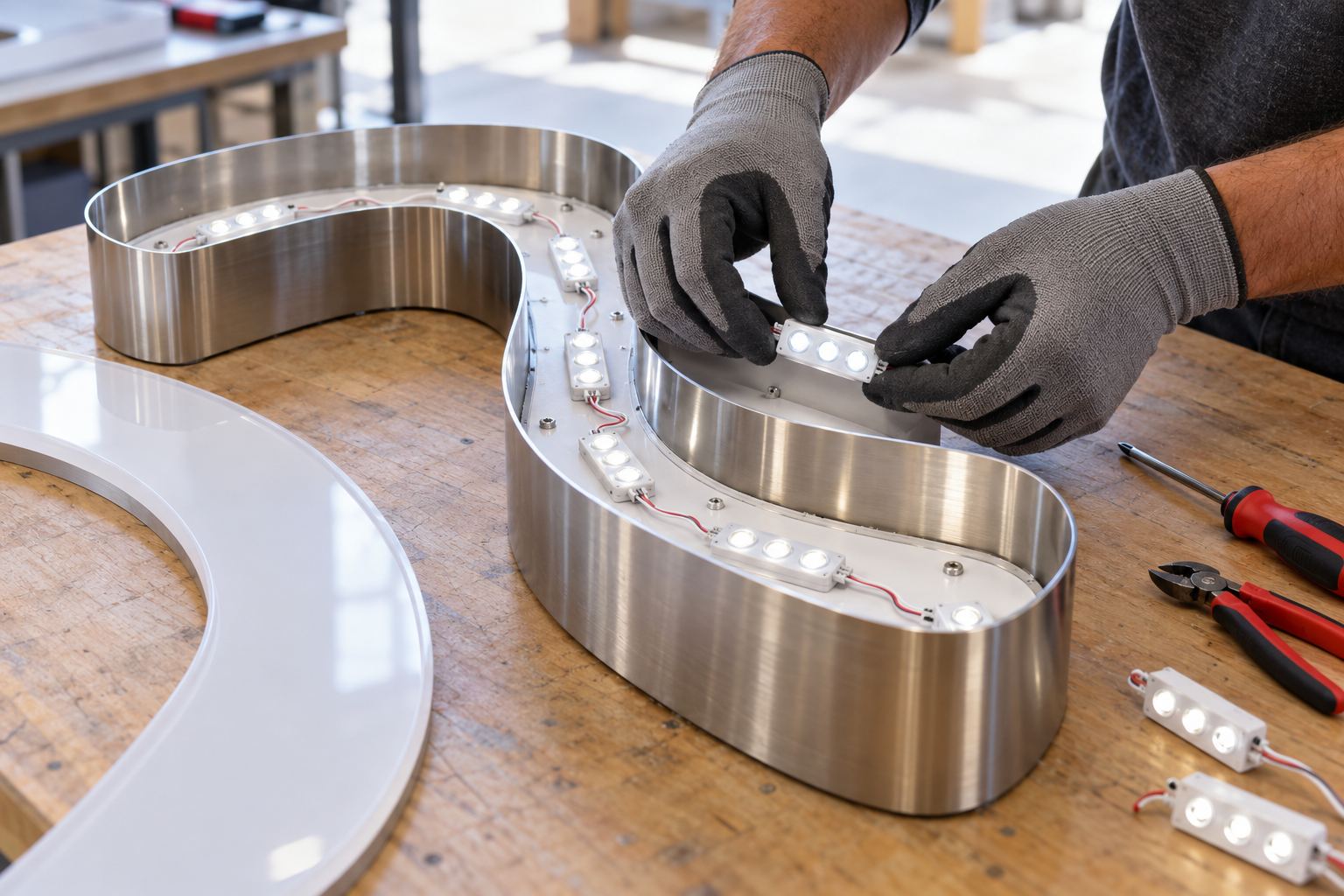
Turn the sign off at the breaker, open the letter and find the first module that does not light. Cut it out of the chain, splice in a new 12 V module of the same light color, positive to positive (red to red) and negative to negative (black to black), seal the joints if the sign is outdoors, and test before you close the face. The modules and low-voltage wire are on the 12 V side of the sign, which owners can work on themselves.
First, make sure it is a module
A single dead module is the simplest repair, but it is not the only reason a letter goes dark. Use the pattern you see:
| What you see | Likely cause | Where to look |
|---|---|---|
| One module dark, the rest of the letter lit | That module failed | Replace the module (this guide) |
| A letter dark from one point to the end of the run | Bad connection or broken wire at that point | The splice between the last lit and first dark module |
| A whole letter dark | Its lead wire, a splice, or its power supply | Troubleshooting guide |
| The whole sign dark or flickering | Power supply, breaker, timer or photocell | Troubleshooting guide |
What you need
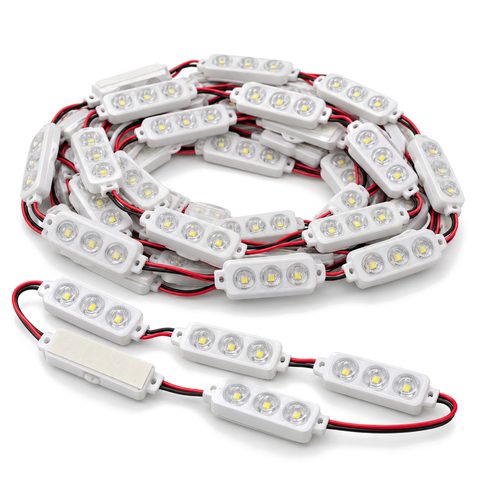
- Replacement LED modules for channel letters: 12 V DC, the same light color as the rest of the sign, and IP65-rated if the sign is outdoors.
- Wire connectors: in-line (insulation-displacement) connectors, butt splices or twist-on wire connectors.
- Wire strippers and side cutters.
- Electrical-grade silicone for sealing joints in outdoor letters.
- Isopropyl alcohol and a clean cloth.
- A multimeter, if you want to check voltage.
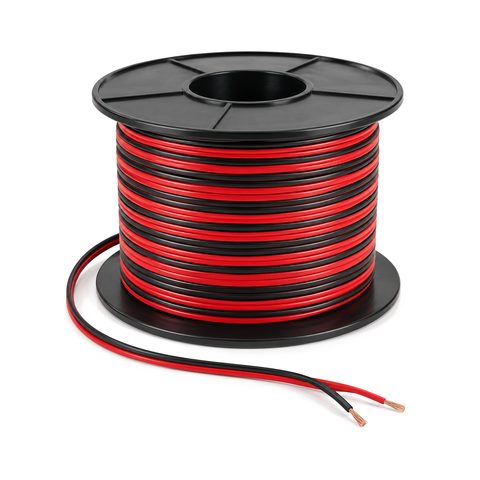
- Spare low-voltage LED wire if a lead is damaged.
Matching the light color
Order modules in the same light color as the rest of the sign:
| Light color | Color temperature |
|---|---|
| White | 6500 K |
| Neutral white | 4000–5000 K |
| Warm white | 2700–3000 K |
The color temperature is often printed on the old module or on the original order. Even with the same color temperature, white LEDs vary a little from batch to batch, and older LEDs dim slightly with age. One new module among old ones can show as a brighter or slightly different patch. If it does, replace every module in that letter so the letter looks even.
Getting into the letter
- Front-lit with trim cap. The trim cap is usually bonded to the acrylic face and screwed to the stainless return. Remove the screws around the side and lift the face and trim cap off together. Older screws can be stiff, so use a screwdriver that fits well.
- Trimless front-lit. The face sits on the front edge of the return with no trim. If you cannot see how it is fastened, call us before you pry at it.
- Halo-lit. The LEDs light the translucent acrylic back, which faces the wall. The letter usually has to come off the wall to reach them, which is often a job for a sign technician.
- Open-face. These use LED neon held in clips, not modules, so this guide does not apply. Call us about a dead run of neon.
Step by step
- Turn the sign off at the breaker. If the sign plugs in, unplug it.
- Work safely at height. Use a stable ladder or a lift, keep three points of contact, and have a second person on a large letter.
- Open the letter as described above. Set the face somewhere flat and soft so it does not scratch.
- Find the failed module. It is the one that stayed dark. Note how the chain runs: from the lead wire, through each module, to the last one.
- Cut it out. Cut the wires on both sides of the dead module, leaving as much wire on the neighbors as you can. Pry the module off the back of the letter.
- Clean the spot with isopropyl alcohol and let it dry, so the new module’s tape sticks.
- Fit the new module. Peel the backing and press it down firmly by its body, not on the LED lenses. Put it in the same spot and pointing the same way as the old one, so the face stays evenly lit. Where the old one was screwed or riveted down, fix the new one the same way.
- Splice it in. Connect the wires positive to positive and negative to negative. Most sign modules mark positive with a red or red-striped wire; negative is usually black or white. Reversing them can damage the LEDs.
- Seal the joints on outdoor letters with electrical-grade silicone. Cap any loose wire ends; never loop the end of a chain back to its start.
- Test before closing. Turn the power back on at the breaker and check that every module lights and the letter looks even. Then turn it off, refit the face and screws, and turn it on again.
Do not overload the power supply
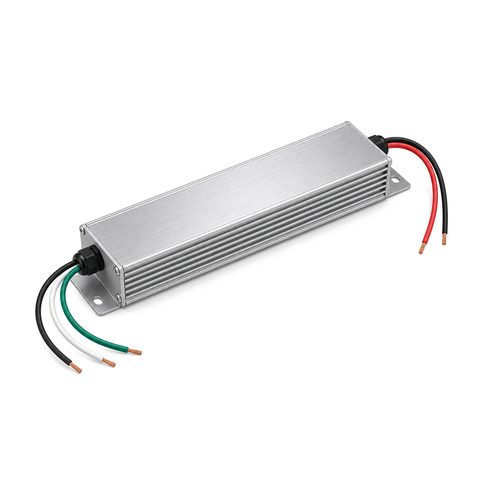
Every power supply has a maximum load. If you add modules, for example to brighten a dim corner, add up the load of the whole chain and keep it under the supply’s rating, with some headroom. An overloaded supply runs hot and may switch itself off and on. Channel letter power supplies explains sizing. If the supply itself has failed, a licensed electrician replaces a hard-wired outdoor power supply.
When to call for help
If several letters are dim, the faces are cracked or yellowed, or you would rather not climb, see our sign repair page. A cracked face can be replaced with a replacement acrylic face. To keep the sign lit longer, see how long LED channel letters last.

 Halo-Lit Channel Letters