Collections
Photocells, timers, dimmers and smart switches for lit signs
A lit sign does its job only when it is on at the right time and at the right brightness. These controls handle that, and they work on one of two sides of the power supply. You may know them as a photo eye, a sign time clock or an LED dimmer.
On the 120 V side, before the power supply:
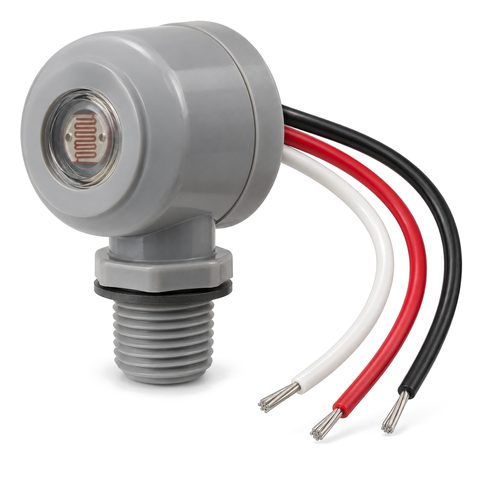
- A dusk-to-dawn photocell turns an outdoor sign on at dusk and off at dawn. It works on 120 to 277 V and is installed by an electrician.
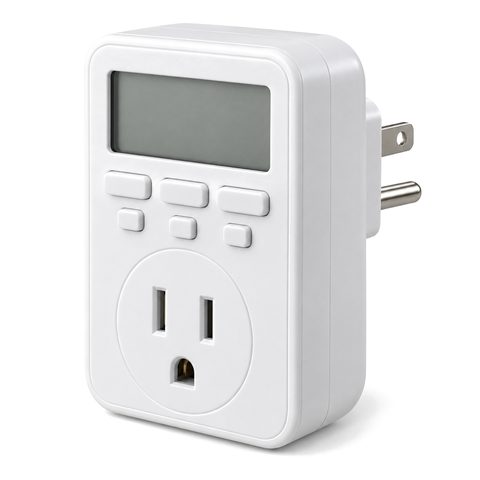
- A 7-day sign timer switches the sign at set times. The plug-in type suits indoor plug-in signs; the in-wall type replaces a wall switch and is wired by an electrician.
On the 12 V side, between the power supply and the sign, with no electrician needed:
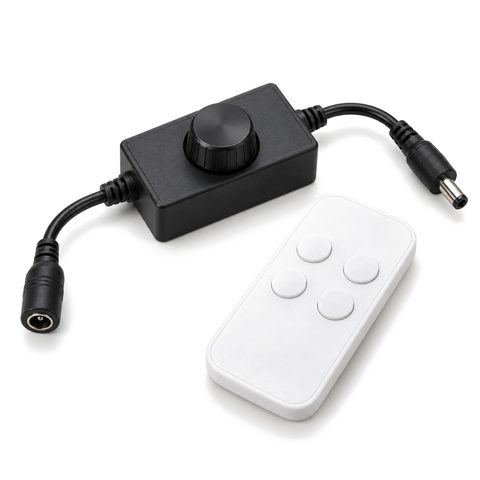
- The LED sign dimmer lowers the brightness of single-color signs from a wireless remote.
- The RGB LED controller sets colors, brightness and fade or jump modes on RGB letters.
- The Wi-Fi smart switch turns indoor signs on and off from a phone app, on a schedule or by voice.
The most common storefront setup pairs a photocell with a timer: on at dusk, off at closing time. The guide to photocells and sign timers explains the wiring order, and dimming LED signs covers dimmers and remotes. Never dim a standard sign power supply with a regular wall dimmer; dim on the 12 V side instead.

- Pair a photocell with a timer: on at dusk, off at closing time.
- Do not use a regular wall dimmer on a sign power supply; use a 12 V dimmer instead.
- Wi-Fi switches need 2.4 GHz Wi-Fi at the sign.
- Check your city's rules on flashing or changing signs before you run RGB modes outdoors.
- Keep the photocell window clean; dirt or snow on it can keep the sign on in daylight.
-
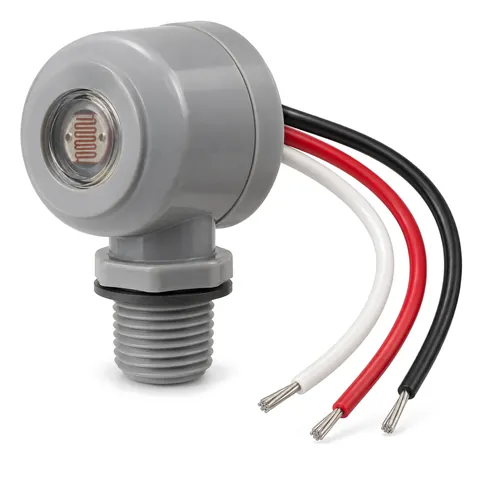
Dusk-to-Dawn Photocell Switch for Outdoor Signs, 120-277V
120-277 V dusk-to-dawn photocell that turns an outdoor sign on at dusk and off at dawn, wired on the line side before the power supply.
$16.99
-
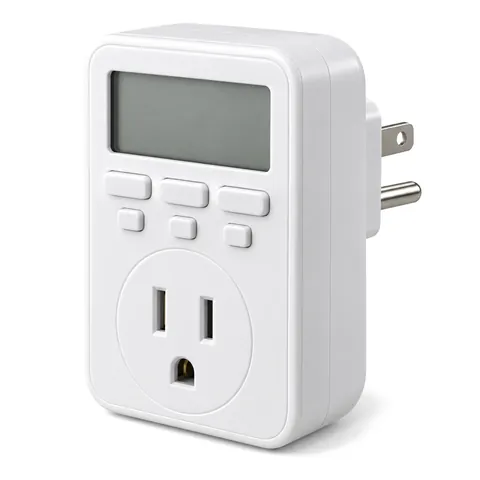
Digital 7-Day Timer for Lit Signs, Plug-In or In-Wall
Programmable 7-day digital timer that switches a lit sign on and off at set times: plug-in type for indoor signs, in-wall type for hard-wired ones.
From $14.99 · 2 options
-
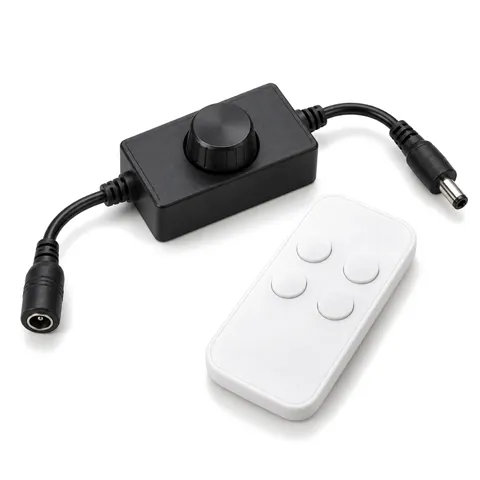
12V LED Sign Dimmer with Wireless Remote, Inline PWM
Inline PWM dimmer with a wireless RF remote for single-color 12 V LED signs and halo letters; it fits between the power supply and the sign.
$14.99
-
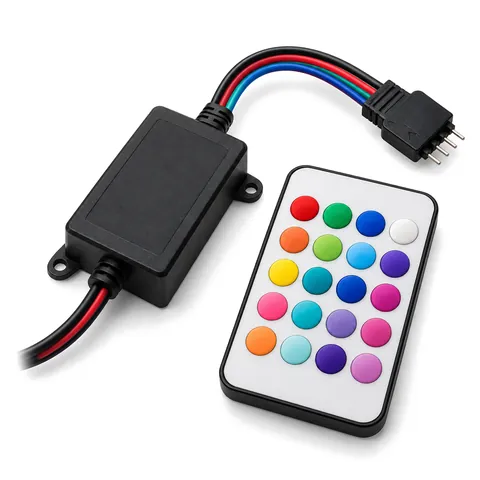
RGB LED Controller and Remote for Color-Changing Signs, 12-24V
12-24 V RGB controller with an RF remote for color-changing channel letters: pick a color, set the brightness, or run fade and jump modes.
$16.99
-
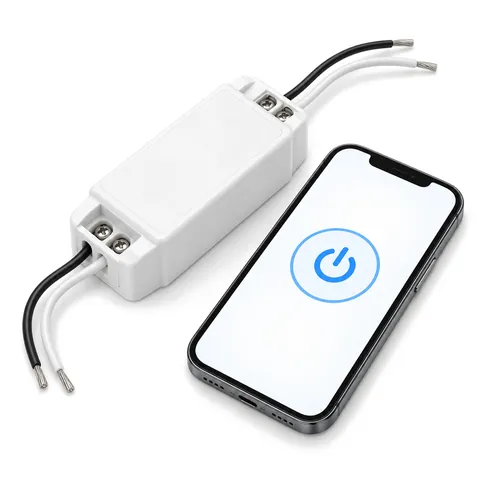
Wi-Fi Smart Switch for 12V Signs, App Schedules and Voice
Inline Wi-Fi switch for the 12 V side of a lit sign: turn it on and off and set schedules from a phone app or with common voice assistants.
$16.99
Questions
Should I use a photocell or a timer?
 Dusk-to-Dawn Photocell Switch for Outdoor Signs
 Digital 7-Day Timer for Lit Signs
Can I dim my sign with a regular wall dimmer?
Not with a standard sign power supply; it can flicker, hum or fail. Use an inline 12 V dimmer between the power supply and the sign.
 12V LED Sign Dimmer with Wireless Remote
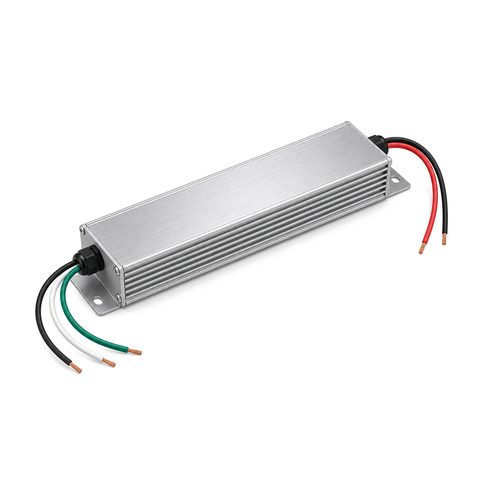 12V LED Sign Power Supply
Do sign controls need an electrician?
Controls on the 120 V side of a hard-wired sign, such as a photocell or an in-wall timer, are installed by a licensed electrician. Plug-in timers and the 12 V dimmer, RGB controller and Wi-Fi switch do not need one.
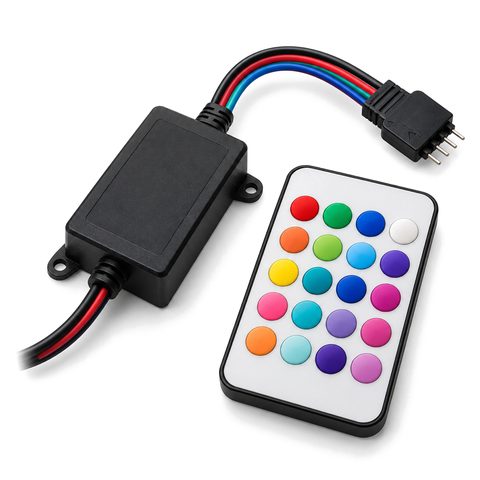 RGB LED Controller and Remote for Color-Changing Signs
Can I control my sign from my phone?
Yes, for indoor 12 V signs. The Wi-Fi smart switch turns the sign on and off and runs schedules from a phone app over 2.4 GHz Wi-Fi.
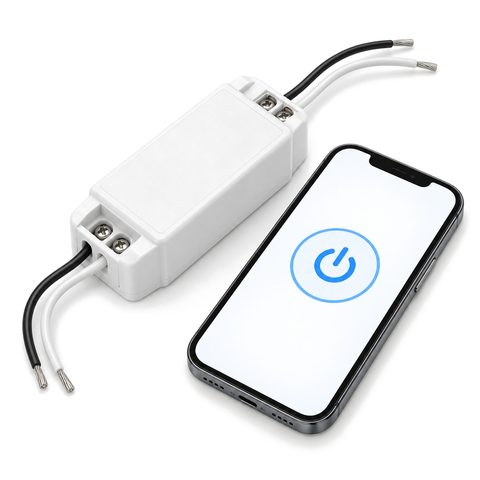 Wi-Fi Smart Switch for 12V Signs
Can controls be built into a new sign?
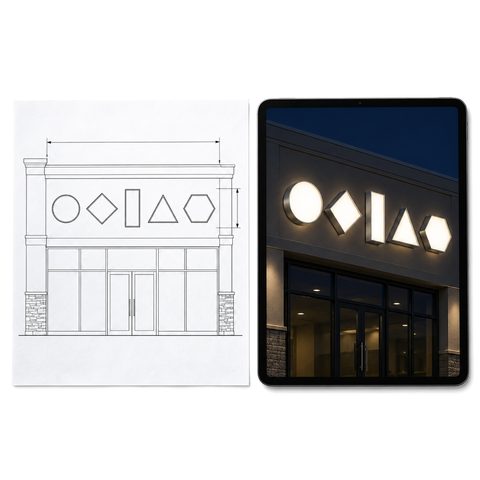 Free Sign Drawing and Lit Preview with Exact Price
Do cities limit how late a sign can stay lit?
Some do. Several city codes ask for lit signs to go off around 10 or 11 pm, or at closing if later, especially near homes. A timer makes the rule easy to follow.