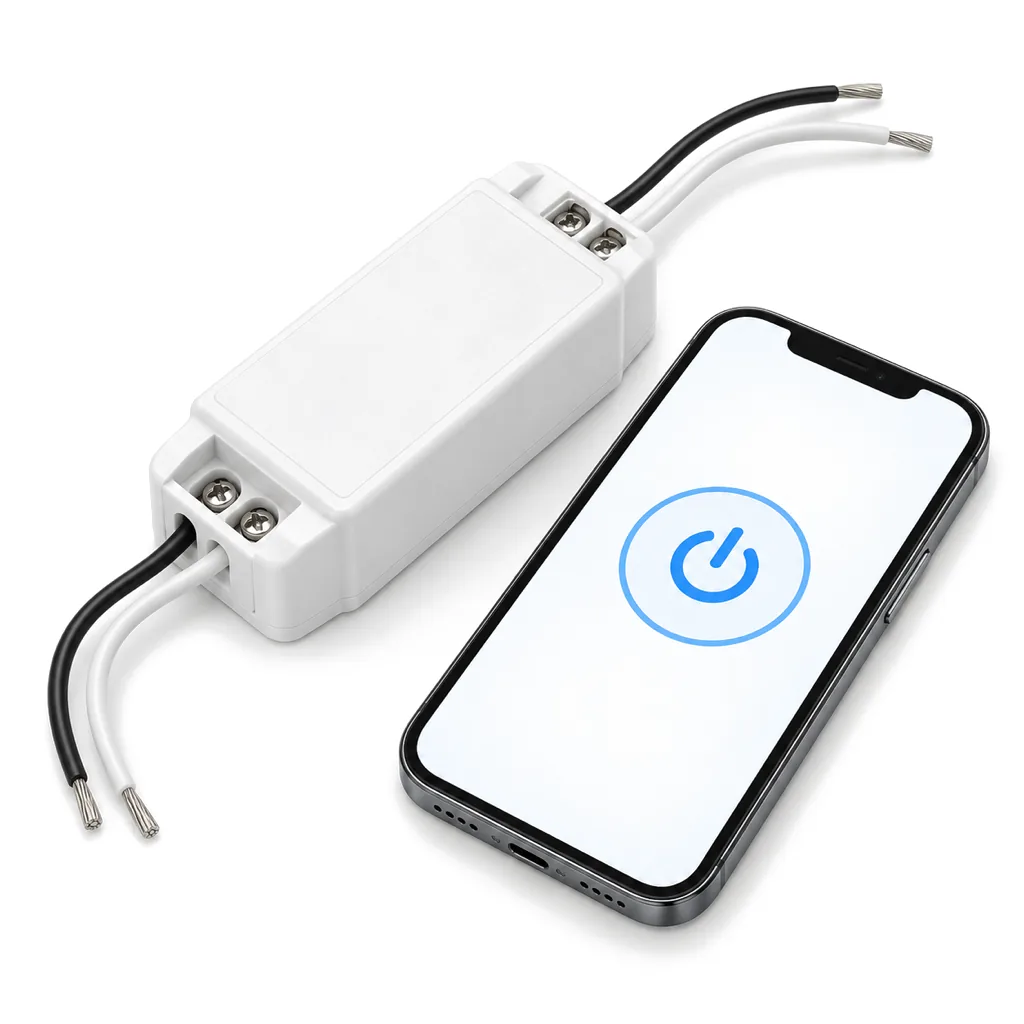
Photos illustrate the product type.
Wi-Fi Smart Switch for 12V Signs, App Schedules and Voice
Inline Wi-Fi switch for the 12 V side of a lit sign: turn it on and off and set schedules from a phone app or with common voice assistants.
Many indoor signs end up with their adapter plugged in behind a desk, high on a wall or behind furniture, where nobody wants to reach every morning and evening. This small Wi-Fi switch lets you control the sign from your phone instead.
It is an inline switch for the 12 V side of a lit sign. It goes between the 12 V power supply or adapter and the sign, so the adapter stays plugged in and the switch turns the sign on and off. From the phone app you can:
- Switch the sign on and off without reaching the outlet.
- Set schedules, such as on at opening and off at closing, different on weekends.
- Control it by voice through common voice assistants linked to the app.
It needs 2.4 GHz Wi-Fi at the sign. Like most small smart-home devices, it does not connect to 5 GHz networks. If your router uses one network name for both bands, setup can fail because your phone is on 5 GHz; the usual fix is to give the 2.4 GHz band its own name, or to switch 5 GHz off for the few minutes of setup.
It switches power on and off only; it does not dim. For brightness, add the LED sign dimmer. For an RGB sign, the switch can turn the whole sign on and off, while the RGB controller sets the colors.
The switch works on low voltage, so there is no 120 V wiring and no electrician: connect the adapter's output to the switch input and the sign's lead to the switch output, keeping + to + and - to -. Mount it where it stays dry and within range of your Wi-Fi.
For outdoor signs, which are hard-wired on 120 V, the usual controls are a dusk-to-dawn photocell and a timer installed by an electrician.
How to choose
First confirm the sign runs on 12 V DC: the label on its adapter or power supply will say so. Then check the Wi-Fi at the spot where the switch will sit. Stand there with your phone; if the 2.4 GHz signal is weak, the switch may drop off the network.
Decide what you want to control. For on, off and schedules from a phone, this switch is enough. If you also want to dim, add the LED sign dimmer; for a sign that only needs to switch at fixed hours and is plugged into an outlet you can reach, the plug-in timer is simpler.
If your sign has more than one adapter or power supply, each one needs its own switch.
Questions
Does it work with 5 GHz Wi-Fi?
No, it needs 2.4 GHz. If your router shows one network name for both bands, give the 2.4 GHz band its own name or switch 5 GHz off during setup.
Where does it go?
On the 12 V side, between the power supply or adapter and the sign. The adapter stays plugged in and the switch turns the sign on and off.
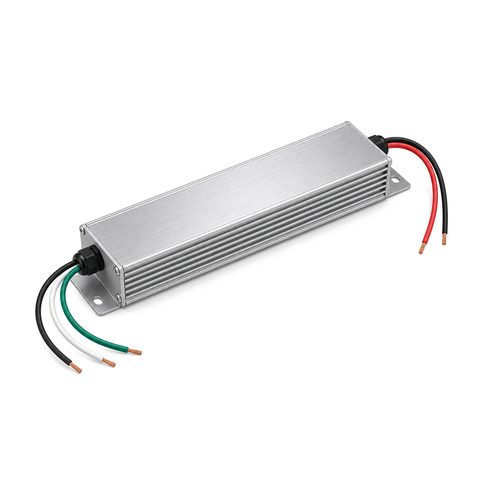 12V LED Sign Power Supply
Can it dim the sign?
No, it only switches on and off. Add our LED sign dimmer with remote if you want to change the brightness.
Do I need an electrician?
No. It connects on the low-voltage side, matching + to + and - to -. Any 120 V wiring for a hard-wired sign is a job for a licensed electrician.
Can I control it by voice?
Yes. It works with common voice assistants once you link them to its phone app, so you can switch the sign on and off by voice.
You may also need
-
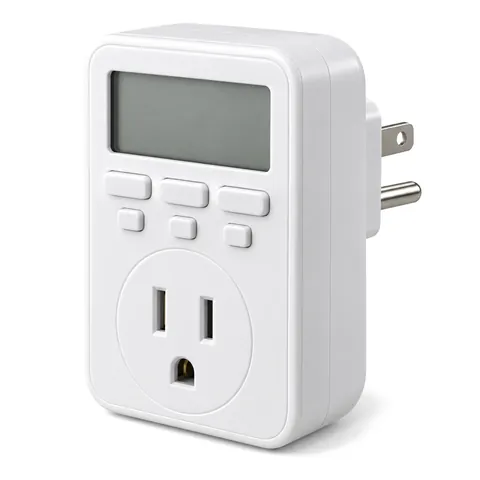
Digital 7-Day Timer for Lit Signs, Plug-In or In-Wall
Programmable 7-day digital timer that switches a lit sign on and off at set times: plug-in type for indoor signs, in-wall type for hard-wired ones.
From $14.99 · 2 options
-
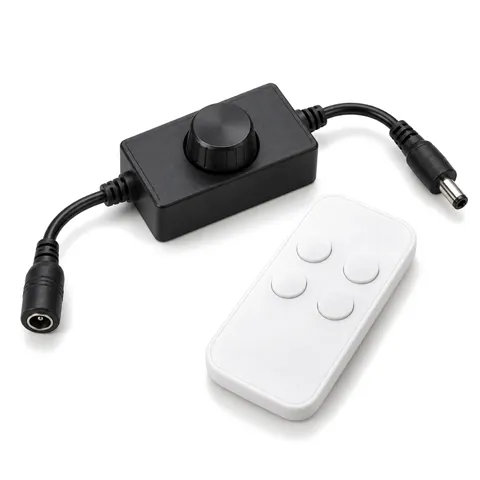
12V LED Sign Dimmer with Wireless Remote, Inline PWM
Inline PWM dimmer with a wireless RF remote for single-color 12 V LED signs and halo letters; it fits between the power supply and the sign.
$14.99
-
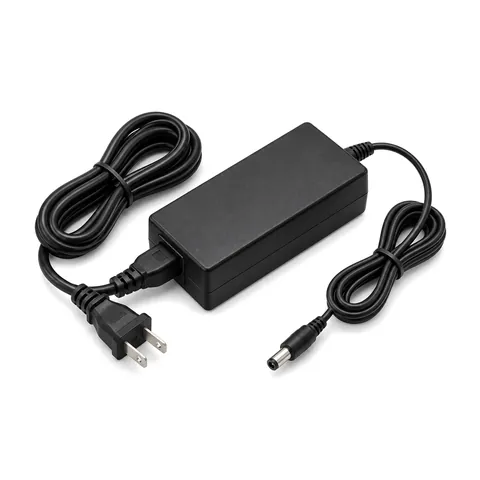
12V Plug-In Power Adapter for Indoor Lit Signs, UL Listed
UL-listed 12 V DC plug-in adapter (transformer) for indoor lit letters, logo signs and lightboxes: 100-240 V input, 5.5 x 2.1 mm plug, 24, 36 or 60 W.
From $14.99 · 3 options