Planning
What file to send for a custom sign: vectors, PDFs, fonts
Which logo files give the most accurate sign: vector AI, EPS, SVG or PDF with outlined fonts, and what to send when all you have is a photo or screenshot.
Updated
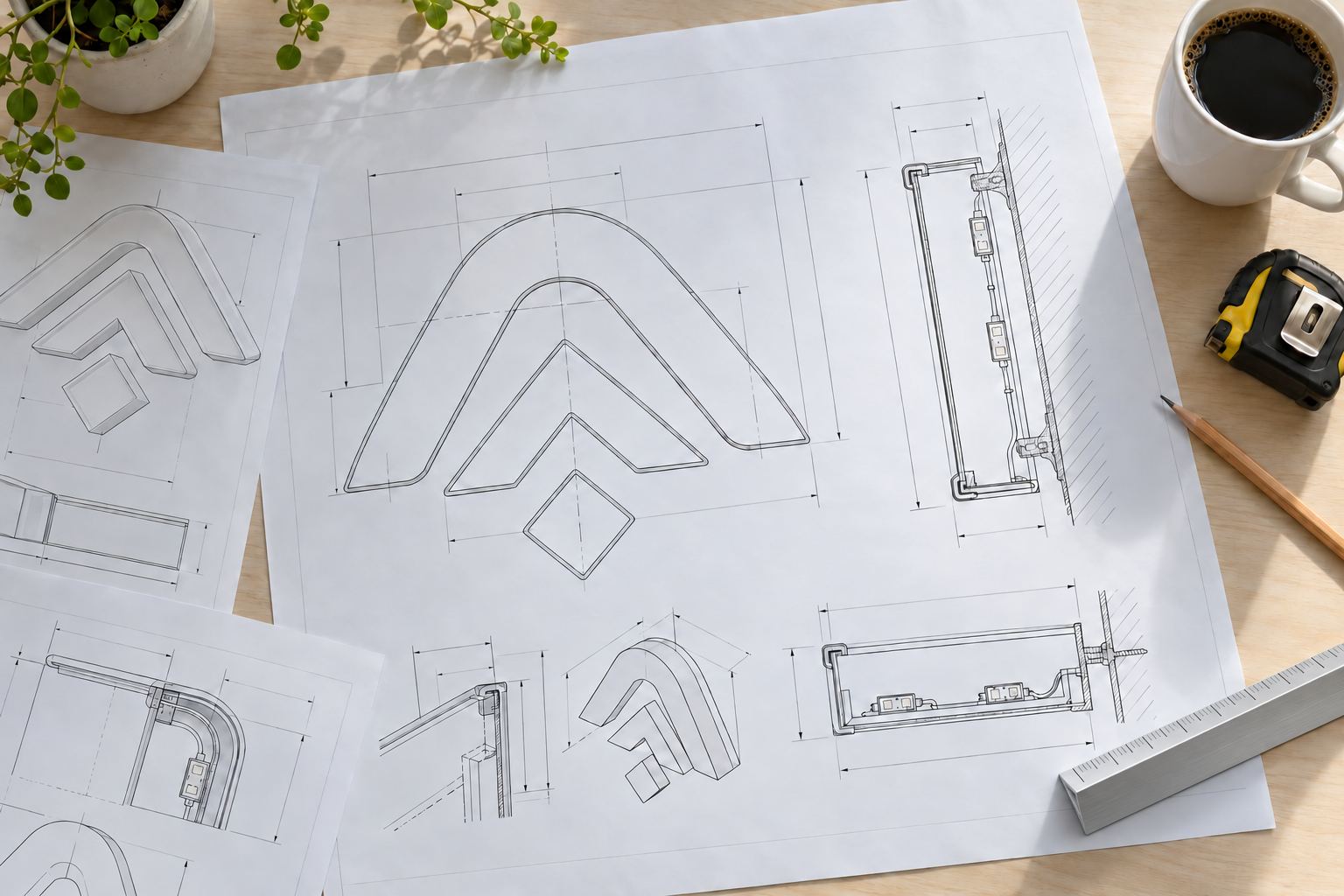
The best file for a custom sign is a vector file of your logo: AI, EPS, SVG, or a PDF saved from a design program, with all text converted to outlines. DXF and CDR files work too. If all you have is a JPG, a PNG, a screenshot or a photo of an old sign, send it anyway with your wall size. We can start the drawing from a clear image, and the drawing will tell you if any detail needs a better file.
Why the file matters
Channel letters are built from the outline of each letter. The stainless returns are bent to follow that outline, and the faces are cut to it. A vector file describes those outlines exactly, so the letters match your logo at any size. A picture file only stores colored pixels. Enlarged to sign size, its edges go soft, and every curve has to be redrawn by hand before anything can be built.
| File type | Examples | What it holds | Good for |
|---|---|---|---|
| Vector | AI, EPS, SVG, CDR, DXF, PDF saved from design software | Exact shapes and curves | Building letters directly |
| Raster (picture) | JPG, PNG, GIF, screenshots, phone photos, scanned PDFs | Pixels | Showing what you want; a starting point for tracing |
| Documents | Word files, slides | Usually a picture inside | Only as a reference |
The best files, in order
- The original design file from whoever made your logo, usually AI, EPS, SVG or CDR. Ask your designer or printer for “the vector logo with fonts outlined.”
- A vector PDF exported from a design program. Not every PDF is vector; see the test below.
- A DXF from a CAD or cutting program.
- A large, clean image of the logo, straight on, on a plain background. The bigger the better; a logo copied from a website header is often too small to trace accurately.
- A photo of an existing sign, taken straight on in daylight, with a tape measure in the shot.
How to tell whether a file is vector
Open it and zoom in as far as you can on a curve. If the edge stays crisp at any zoom, it is vector. If it turns blurry or breaks into little squares, it is a picture, even if the file name ends in .pdf or .eps.
Fonts
If your sign includes text in your brand font:
- Best: convert the text to outlines (some programs call it “create outlines” or “convert to curves”) before you send the file. Each letter becomes a shape, so nothing changes on our end. Keep an editable copy for yourself, because outlined text cannot be retyped.
- Next best: send the file plus the font name, or the font file if you have the right to share it.
- If you only know the name: tell us. The drawing shows your text set in that font, and you check every letter before you approve.
Choosing a font for channel letters covers which fonts work best for lit letters.
Colors
Tell us your brand colors as codes from your brand guide (print color numbers or paint codes) or attach the guide. Lit colors look different from printed colors: an acrylic face glows, and a halo shows the light on the wall rather than the color of the face. The free drawing includes a lit preview so you can judge the result. Matching sign colors to your brand explains acrylic colors, vinyl, painted returns and printed faces.
Always send the wall too
A perfect logo file still needs a size. With your file, send:
- The width and height of the space for the sign, or the height you want the letters
- A straight-on photo of the wall
- Whether the sign is indoors or outdoors
- Any landlord or city limits you know about
How to measure your wall for a sign lists every measurement and photo.
Copying or replacing an existing sign
To match a sign you already have, or to rebuild one that is damaged:
- Photograph the whole sign straight on in daylight, without glare.
- Photograph one letter close up with a tape measure stretched across it.
- Measure the overall width and height, and the depth of the letters.
- Note the lighting style and the light color.
- If you can, get the original artwork from the business that made the old sign.
For repairs and partial replacements, see repair an existing sign.
Common file problems
- A logo pasted into a Word file or slide. It is still a picture inside; send the original image or the design file instead.
- An EPS or PDF that only wraps a picture. The zoom test shows it.
- A tiny logo from a website or social profile. Fine for showing the idea, rarely enough for fine detail.
- Text not outlined. Without the font, a computer substitutes another one, and the shapes change.
- Several versions. If you send more than one logo, say which one goes on the sign.
Logos with fine detail
Some logo details do not translate to metal and light: small taglines, thin outlines, drop shadows and gradients. That does not mean you must redesign your logo. Common answers:
- Build the main shapes as letters and print the full-color artwork on the face of printed-face halo letters.
- Put the logo on a lit logo sign, with the name in individual letters beside it.
- Make the tagline non-lit, or leave it off the sign.
The drawing shows the options so you can pick. If you need design help beyond preparing your logo for a sign, see the sign design proof and the rest of our services.
How to send it
Upload your file through get a free drawing, with your wall size and photos. Sign shops, designers and brands sending artwork for several locations can use the trade page. We email a drawing with a lit preview and an exact price, and nothing is built until you approve it. For more logo sign ideas, browse logo signs.